> For the complete documentation index, see [llms.txt](https://docs.grofidex.io/llms.txt). Markdown versions of documentation pages are available by appending `.md` to page URLs; this page is available as [Markdown](https://docs.grofidex.io/features/launchpad/how-to-join-launchpad/ido-tier.md).
# IDO Tier
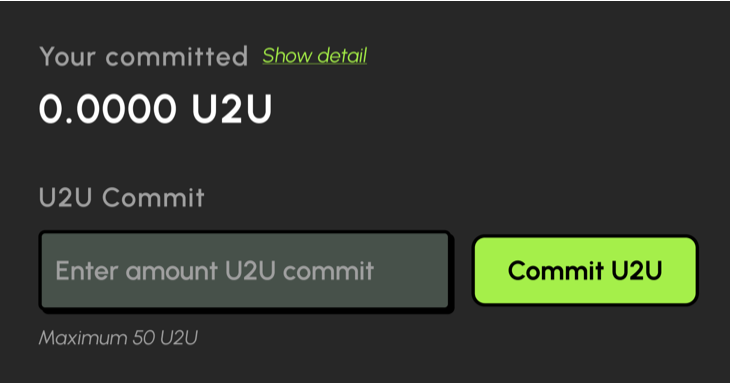
## **Commit U2U**
**Step-1**: Perform enter amount U2U commit Buy IDO token
**Step-2**: A window displaying more details will appear. Please review the information to ensure its accuracy. When you're ready, click the **Confirm** button. Your wallet will prompt you to confirm the action.
Commit U2U completed!
## Cancel commit
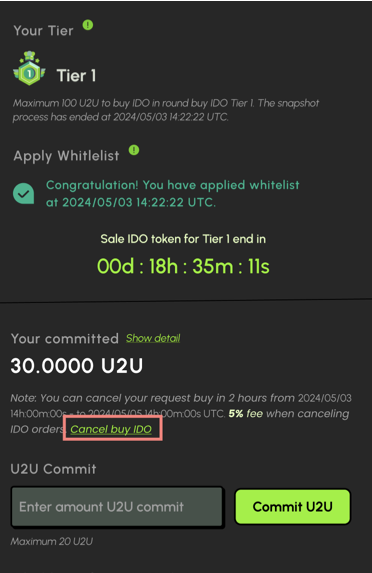
Users can cancel their commitment after the IDO tier sale period expires.
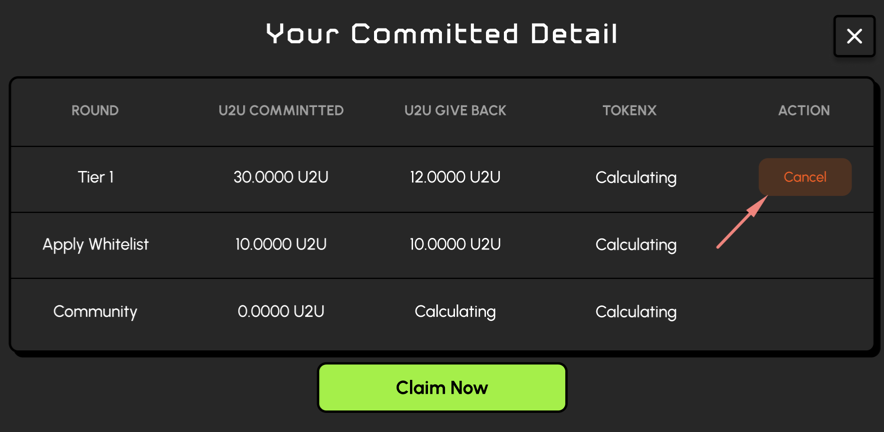
**Step-1:** Click "**Cancel buy IDO**" text link. Display "Your committed detail" popup on screen.
**Step-2:** Click "Cancel" button at record of round IDO Whitelist.
**Step-3.** A window displaying more details will appear. Please review the information to ensure its accuracy. Click the Confirm button when you're ready
{% hint style="info" %}
Once cancelled, users cannot commit U2U again.
{% endhint %}